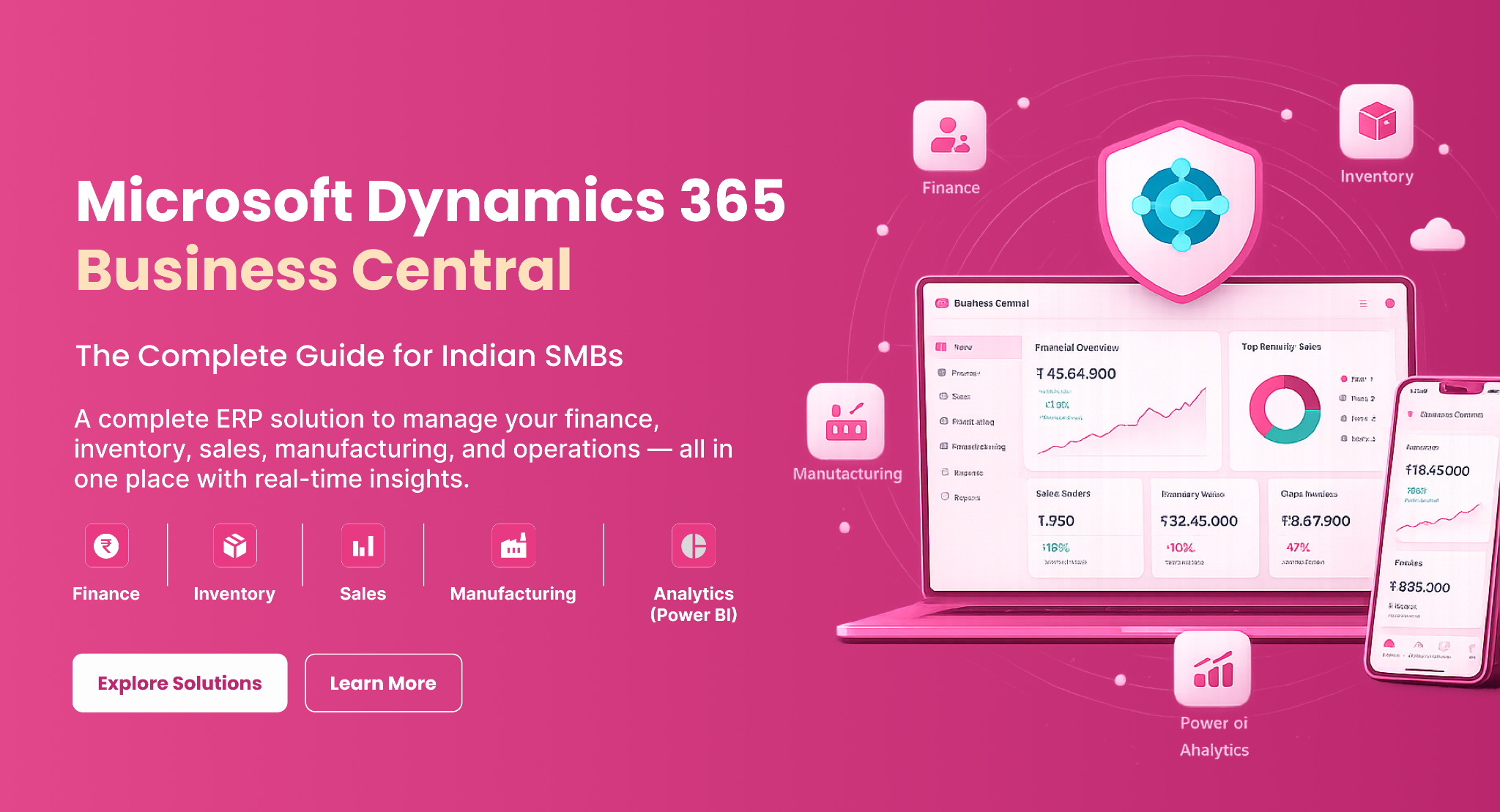
Running a growing business in India means managing finances, inventory, sales and operations across multiple systems. Spreadsheets break down, manual processes slow growth and reporting becomes unreliable. Microsoft Dynamics 365 Business Central solves this by bringing finance, inventory, sales, purchasing, manufacturing and reporting together in one cloud ERP platform.
Microsoft Dynamics 365 Business Central solves exactly this problem. As a cloud-based ERP software, it connects every part of your business. This gives you real-time visibility, automated workflows and the tools to make faster, smarter decisions.
This guide explains what Indian SMBs should know about Business Central. It covers what it does, why it is important, how to set it up and whether it is right for your business.
What Is Microsoft Dynamics 365 Business Central?
Microsoft Dynamics 365 Business Central is a complete tool for managing businesses. It’s built for small and medium-sized companies. It connects and manages your entire operation from a single platform, including:
Microsoft Dynamics 365 Business Central is the next step from Microsoft Dynamics NAV (Navision), designed for the cloud and powered by AI. Think of it as your business's central nervous system - every department connects, every number stays accurate and every decision is informed.
Why SMBs Can No Longer Afford Legacy Systems
Many businesses still use a mix of Excel sheets, different accounting tools and paper methods. These work at a small variety but they create serious problems as you grow.
- Outdated data - By the time reports are compiled, the information is already hours or days old, leading to decisions based on guesswork.
- Inventory blind spots - Stock-outs and excess inventory can hurt margins when tracking is manual or scattered across systems.
- Financial blind spots - Cash flow, profitability and expense tracking become difficult when data is stored in different systems.
- Operational drag - Manual data entry across multiple systems wastes time and increases the risk of errors.
- Growth ceiling - Legacy systems cannot scale efficiently as the business grows, making expansion cumbersome.
Modern Microsoft Dynamics ERP removes these bottlenecks by automating tasks, centralizing data and delivering real-time visibility-giving teams access to the information they need, wherever they are.
Key Features of Dynamics 365 Business Central
Financial Management
Microsoft Dynamics 365 Business Central's finance module goes beyond basic bookkeeping. It manages the general ledger, accounts payable and receivable, fixed assets, budget management, bank reconciliation and cash flow forecasting. This gives finance teams a complete, real-time view of business performance and financial health.
Inventory and Warehouse Management
For Indian SMBs in distribution, retail, or manufacturing, inventory accuracy is critical. Business Central tracks stock levels in real time, supports multiple warehouses, automates replenishment, and helps reduce stock-outs, overstocking and unnecessary inventory costs.
Sales and Customer Management
Sales teams can manage the entire customer journey-from initial contact to invoicing-within a single platform. Customer records, opportunities, quotations, sales orders and transaction histories are connected, enabling faster responses and better customer experiences.
Purchasing and Vendor Management
Streamline procurement processes by managing suppliers, purchase orders, approvals and vendor performance in one centralized system. This improves supplier relationships while maintaining tighter control over purchasing costs.
Manufacturing Management
Manufacturing businesses can manage bills of materials (BOMs), production planning, capacity requirements, shop floor operations and production orders from a single solution. This creates a seamless connection between planning and execution for improved operational efficiency.
Business Intelligence and Reporting
Built-in dashboards and KPI monitoring provide real-time insights into business performance. Integration with Microsoft Power BI enables advanced analytics, custom reporting, trend analysis, and interactive visualizations-turning business data into actionable intelligence.
How Business Central Fits Into the Microsoft Ecosystem
One of Business Central's greatest advantages is its seamless integration with the Microsoft tools your team already uses every day. This connected ecosystem improves collaboration, automates processes and gives teams access to accurate business data wherever they work.
Microsoft 365
Work directly within familiar applications such as Outlook, Excel, Word and Teams. Create sales quotes from emails, access customer information without switching applications, and export reports to Excel with a single click for faster analysis and collaboration.
Power BI
Build interactive dashboards and real-time reports using live Microsoft Dynemics 365 Business Central data. Business leaders can monitor key performance indicators, identify trends and make informed decisions without waiting for manually generated reports.
Power Automate
Automate repetitive tasks and workflows across departments without writing code. Set up approval processes, inventory alerts, invoice reminders and notifications to improve efficiency and reduce manual effort.
Power Apps
Quickly create custom business applications using Business Central data. Tailor solutions to specific departments, workflows, or operational requirements without the complexity of traditional software development.
Microsoft Azure
Benefit from enterprise-grade cloud infrastructure with built-in security, automatic backups, high availability, disaster recovery and global scalability. Azure ensures your business data remains protected and accessible whenever you need it.
Industries That Benefit Most
Manufacturing
- Production planning
- Quality control
- Inventory management
- Cost tracking
- All in one place
Wholesale Distribution
End-to-end supply chain visibility, warehouse operations and order fulfillment management.
Retail
Real-time stock visibility across locations, sales tracking and customer management.
Professional Services
Project management, resource allocation, cost tracking and profitability monitoring.
E-Commerce
Integrated order management, fulfilment visibility and multi-channel sales tracking.
Cloud ERP vs Traditional On-Premise ERP
| Feature | Cloud ERP (Business Central) | Traditional On-Premise ERP |
|---|---|---|
| Deployment | Cloud-based | Local servers |
| Upfront Cost | Lower | Higher |
| Updates | Automatic | Manual and costly |
| Scalability | High | Limited |
| Accessibility | Anywhere, any device | Office only |
| Maintenance | Managed by Microsoft | Handled within the organisation |
For most Indian SMBs, cloud ERP software provides a quicker path to ROI. It also reduces infrastructure costs and offers more flexibility. This is especially true for businesses with remote teams or multiple locations.
A Real-World Example: Manufacturing Company Transformation
A mid-sized manufacturing firm in India struggled with
- Inventory errors
- Manual purchasing
- Slow reporting
- Chaotic production planning
Decision-making was reactive. Margins were suffering.
After using Microsoft Dynamics 365 Business Central with a structured ERP implementation:
- Inventory accuracy showed a marked improvement in the first quarter
- Automated approvals and vendor tracking reduced procurement cycle times
- Management reporting became real-time rather than weekly
- Production scheduling and shop floor coordination achieved a significant increase in efficiency
In just 12 months, the business increased visibility, cut costs and set a solid base for growth.
The ERP Implementation Process
A successful Business Central rollout follows a clear, phased approach:
Phase 1 - Business Analysis
Consultants examine your processes, find gaps and note requirements.
Phase 2 - Solution Design
The system is customized to match your workflows, industry needs and reporting requirements.
Phase 3 - Data Migration
The team cleans data and ensures the safe transfer of historical data into Business Central.
Phase 4 - Testing
All modules and integrations are thoroughly tested before going live.
Phase 5 - Training
Your team receives hands-on training tailored to their specific roles.
Phase 6 - Go-Live & Ongoing Support
The system goes live, with support teams ready to resolve issues and drive continuous improvements.
Using expert ERP consulting services lowers risk, accelerates adoption and helps you realize business value faster.
How to Choose the Right ERP Implementation Partner
The partner you choose matters as much as the software itself. Look for:
Pros and Cons of Business Central
✓ What Works Well
- Intuitive interface - lower learning curve than many enterprise systems
- Deep integration with Microsoft 365 tools that your team already uses
- Scales in accordance with the growth of the business
- Real-time reporting without manual effort
- Automatic updates - no costly upgrade cycles
- Enterprise-grade security from Microsoft's cloud infrastructure
⚠ What to Plan For
- Initial implementation requires time, planning and change management
- User training is necessary for full adoption
- Advanced customizations can add to project costs
- Cloud access depends on reliable internet connectivity
Frequently Asked Questions
Ready to Modernize Your Business Operations?
Microsoft Dynamics 365 Business Central is more than an ERP system-it’s a growth platform. It provides Indian SMBs with a solid foundation to scale confidently, make faster decisions, and compete effectively in a digital-first economy.
At Rivira Systems, we specialize in Business Central ERP implementation and consulting. We help businesses across manufacturing, distribution, retail and professional services streamline operations, improve visibility and achieve sustainable growth. Our team evaluates your unique requirements, designs a tailored solution and supports you throughout your transformation journey.
Contact Rivira Systems for a Free Consultation →Discover how Microsoft Dynamics 365 Business Central can transform your business and drive growth starting today.