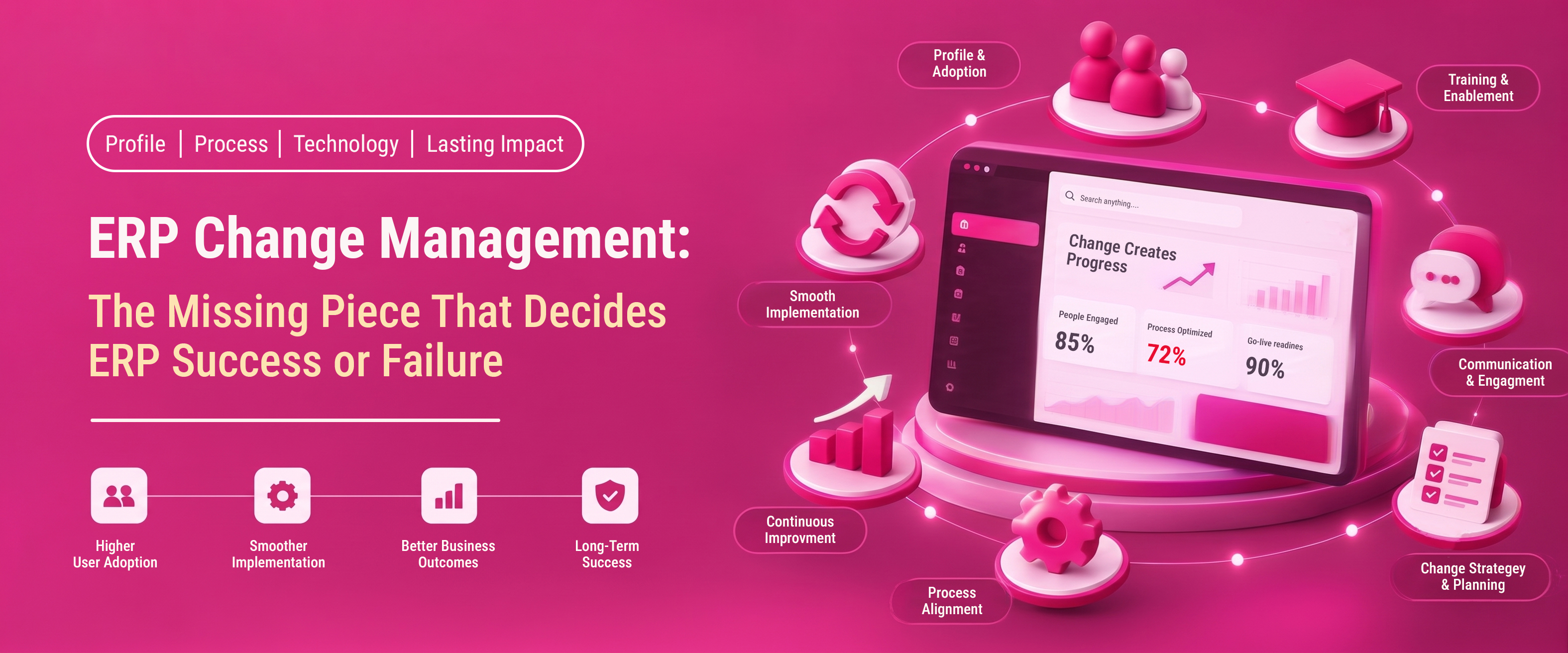
Every year, companies spend millions on new ERP systems. They hope for smoother operations, cleaner data, and faster decision-making. Many of these projects don’t meet expectations. It’s not the software at fault; it’s the people side of the change that wasn’t managed well.
This is where ERP change management comes in. It’s the most overlooked factor in whether a Microsoft Dynamics 365 Business Central implementation—or any ERP rollout—succeeds.
In this article, you’ll discover what ERP change management is. You'll see why it’s crucial for businesses. We’ll explain how to create a practical change management roadmap. Lastly, you’ll learn what makes a smooth go-live different from a costly, long implementation. We’ll explore a real-world case study. We’ll look at the pros and cons of investing in structured change management. Plus, we’ll answer common questions from business owners before they commit to an ERP project.
What Is ERP Change Management?
ERP change management helps employees, teams, and leaders adapt to a new enterprise resource planning system in an organized way. It involves preparing, equipping, and supporting everyone during this transition. It covers everything from communication and training to workflow redesign and post-go-live support.
Unlike the technical side of an implementation - data migration, system configuration, integrations - change management focuses on the human side of the transformation. It answers questions like:
- Do employees understand why the change is happening?
- Are teams trained well enough to work confidently in the new system?
- Is leadership visibly supporting the transition?
- Are old habits and workarounds being replaced, not just layered on top of the new software?
A new ERP platform can be perfect, but it might still fail. If users resist, misunderstand, or go back to their old spreadsheets, it won’t work. The main reason ERP implementation failures usually happen is due to gaps in change management, not software issues.
Why ERP Change Management Matters More Than the Software Itself
Independent research on enterprise software projects has repeatedly found that organizational and people-related issues - not technology issues - are the leading cause of ERP project problems. Panorama Consulting's ERP Report shows many organizations face delays in ERP implementations. A lot also go over budget. Change management and internal readiness are key reasons for these issues.
This pattern shows up across industries and company sizes. A mid-market manufacturer, a distribution company, or a professional services firm can all use Microsoft Dynamics 365 Business Central. However, six months after going live, their results can vary greatly. This difference depends on how well they managed the transition internally.
Here's why the human factor carries so much weight:
- ERP systems change how people work, not just what tools they use. Finance teams close books differently. Warehouse staff scan instead of write. Sales reps quote differently. Each of these is a behavioral shift, not just a software swap.
- Resistance is often invisible until go-live. Employees may nod along during training sessions but continue using old processes in parallel, creating shadow systems that undermine data integrity.
- Leadership visibility drives adoption. When executives see the ERP rollout as just "an IT project," employees do too. They view it as optional, low-priority, and not their concern.
The Real Cost of Ignoring Change Management
Skipping structured change management doesn't just create friction; it creates measurable financial risk.
- Extended timelines. Projects that should take 12–16 weeks can stretch to 8–12 months if employees resist new workflows. When teams go back to manual processes, delays happen.
- Budget overruns. Every month of delay adds consulting hours, dual system maintenance and lost productivity.
- Poor data quality. If staff don't trust or understand the new system, they may enter data inconsistently. This inconsistency can hurt the reporting and automation that the ERP was designed to provide.
- Underutilized licensing spend. This is particularly relevant when evaluating Business Central pricing, since licensing is billed per user, per month. If half your team isn't using the system right, you're wasting money on seats that don’t add value.
- Erosion of trust in future projects. A tough rollout can hurt support for future tech investments, even if they’re truly necessary.
Change management usually costs much less than fixing a failed rollout. Ironically, it’s often the first thing cut when budgets get tight.
Where Change Management Fits Into the ERP Implementation Timeline
A common misconception is that change management is just a "training phase" added at the end of a project. In reality, it should run parallel to every stage of the ERP implementation timeline.
Change Management Across Every Phase
1. Discovery & Assessment
This is where change management begins - not go-live. During discovery, project teams should find out which departments will be most affected. They need to identify informal influencers-those people others actually listen to, not just their job titles. Teams should also look at past technology changes that went well or poorly.
2. Solution Design
As the system is configured, change leads should start mapping "old process to new process" documents. This is also the stage where we spot ERP customization risks. Every custom workflow added for old habits creates future training and maintenance challenges.
3. Data Migration and Cleansing
ERP data cleansing isn't purely technical. Business users need to validate records. They must approve what gets migrated and understand why "the system looks different now." Involving end users here builds ownership before they ever log into the live system.
4. Testing and Training
This phase of change management is the most visible. However, if communication was weak earlier, training alone won't solve disengagement. Effective training should be role-based, hands-on and tied to real scenarios employees will face - not generic system walkthroughs.
5. Go-Live Readiness
ERP go-live readiness isn't just a checklist of completed configurations. It includes a genuine readiness assessment: Do super users feel confident? Is there a support escalation path? Have contingency plans been communicated?
6. Post-Go-Live Stabilization
Adoption doesn't happen on day one. The weeks immediately following go-live are when old habits are most likely to resurface. Ongoing coaching, quick-reference guides and visible leadership check-ins matter enormously here.
Here's a quick-reference summary of how change management activities map to each phase:
| Implementation Phase | Typical Duration | Key Change Management Activity | Who's Involved |
|---|---|---|---|
| Discovery & Assessment | 2–4 weeks | Identify affected teams, informal influencers and past change history | Executive sponsor, department heads |
| Solution Design | 3–6 weeks | Map old process to new process; flag customization risks | Change leads, implementation partner |
| Data Migration & Cleansing | 2–5 weeks | End-user validation of records before migration | Business users, data owners |
| Testing & Training | 3–6 weeks | Role-based, scenario-driven training sessions | Super users, all end users |
| Go-Live Readiness | 1–2 weeks | Confidence checks, escalation paths, contingency planning | Super users, IT, leadership |
| Post-Go-Live Stabilization | 60–90 days | Coaching, quick-reference guides, adoption tracking | Change champions, support teams interweave render_inline_citation with citation_id is 1 team |
Building a Practical ERP Change Management Roadmap
A strong change management roadmap doesn't need to be complicated, but it does need to be deliberate. Here's a framework that works well for mid-market companies.
Core Elements of the Roadmap
Stakeholder Alignment
Identify an executive sponsor who will visibly champion the project - not just approve the budget. Map out every department affected and assign a change champion within each one.
Communication Plan
Employees fill information gaps with assumptions and assumptions are usually negative. A simple cadence - kickoff announcement, monthly progress updates and a clear go-live countdown - keeps the narrative controlled and reduces rumor-driven resistance.
Role-Based Training
Generic, one-size-fits-all training sessions rarely stick. Warehouse staff, finance teams and sales reps each need training tailored to their actual daily tasks in the new system.
Super User Network
Designate power users in each department who receive deeper training and act as first-line support after go-live. This reduces the burden on your implementation partner's helpdesk and builds internal confidence.
Resistance Management
Not all resistance is bad - sometimes it flags a genuine process gap. Create a feedback channel where employees can raise concerns and treat recurring complaints as signals to investigate rather than noise to suppress.
Reinforcement and Measurement
Track adoption metrics post-go-live: login frequency, error rates, support ticket volume and whether old manual processes (spreadsheets, paper logs) have actually stopped. ERP user adoption should be measured, not assumed.
Turning Resistance Into Buy-In
Resistance to ERP change often comes from three main fears: the unknown, appearing incompetent to peers, or frustration that the new system doesn't match actual work processes.
The businesses that navigate this best tend to do three things consistently:
- They involve frontline employees early, not just department heads, in process design decisions.
- They celebrate small wins openly. For example, they mark the first month-end close and the first automated purchase order. This helps build momentum.
- They steer clear of the "customization trap." In this trap, every objection leads to a request for coding instead of changing the process. Leaning on the ERP's proven standard functionality, rather than replicating old spreadsheet logic, tends to produce a system employees trust more, not less, because it behaves predictably.
Choosing the Right ERP Vendor and Implementation Partner
ERP vendor selection is often treated as a software decision, but it's just as much a change management decision. The right partner won't just configure the system - they'll help you plan the communication, training and adoption strategy from day one.
What to Look For in a Partner
- A documented, phase-based methodology rather than an ad-hoc approach
- Experience in your specific industry (manufacturing, distribution, professional services)
- Certified status as a Microsoft Solutions Partner, which signals ongoing investment in product expertise and support quality
- A track record of managing the human side of rollouts, not just technical delivery
- Transparent, itemized answers to pricing questions - for example, being able to clearly explain Business Central pricing based on licensing tier, user count and add-ons, rather than vague estimates
You can review official Microsoft partner guidance on evaluating implementation providers through the Microsoft Dynamics 365 partner directory, which lists certified partners by region and specialization.
| Evaluation Criteria | Why It Matters | Questions to Ask a Prospective Partner |
|---|---|---|
| Methodology | Predictable, phase-based delivery reduces timeline risk | "Can you walk me through your implementation phases?" |
| Industry experience | Relevant accelerators and templates speed up go-live | "Have you implemented Business Central for a company like ours?" |
| Microsoft certification | Confirms ongoing product expertise and support quality | "Are you a certified Microsoft Solutions Partner?" |
| Change management approach | Determines whether adoption is planned for, not assumed | "How do you handle training and user adoption?" |
| Pricing transparency | Avoids budget surprises mid-project | "How is Business Central pricing structured for our team size?" |
Cloud ERP Migration and Change Management
Cloud ERP migration introduces its own change management considerations. Moving from an on-premises legacy system to a cloud platform like Microsoft Dynamics 365 Business Central changes not just the interface, but also how updates roll out, how data is accessed remotely and how IT support is structured.
For manufacturing businesses specifically, Business Central for manufacturing often means a shift from manual production scheduling and paper-based quality checks to real-time production planning and integrated inventory visibility. This is a significant behavioral change for shop-floor teams and it requires hands-on, scenario-based training rather than desk-based e-learning alone.
Cloud migrations also tend to move faster than legacy on-premises rollouts, which makes early change management planning even more critical - there's less runway to course-correct once the countdown to go-live begins.
Case Study: A Mid-Market Distributor's Turnaround
Consider a composite example based on common patterns seen across mid-market ERP rollouts: a regional distribution company with around 120 employees decided to replace an aging, heavily customized legacy system.
The first attempt followed a familiar script. The implementation partner focused almost entirely on technical configuration. Training was scheduled two weeks before go-live, delivered as generic system demos. Warehouse staff, who made up the largest user group, received the least attention. Within three months of go-live order errors had increased, inventory counts were unreliable and staff had quietly reverted to a parallel spreadsheet system "just to be safe."
The reset came when leadership brought in a partner that treated the rollout as an operational transformation rather than a software swap. They restarted with a proper discovery phase, mapped old workflows to new ones, cleaned and validated data before migration and built a super-user network in the warehouse team specifically. Training was rebuilt around real order-fulfillment scenarios instead of generic screens.
Within four months order accuracy improved measurably and - critically - the shadow spreadsheet system was fully retired because staff trusted the new process more than their old workaround. The software hadn't changed. The change management approach had.
Frequently Asked Questions
Change Management Is the Real ROI Driver
Choosing the right ERP platform matters. But how a business manages the transition - communication, training, leadership visibility and sustained reinforcement - is ultimately what determines whether that investment turns into measurable operational improvement or becomes another cautionary statistic.
If you're planning a Microsoft Dynamics 365 Business Central implementation or evaluating whether your current rollout is at risk, the earlier change management is built into your roadmap, the smoother - and more affordable - your path to go-live will be.
Ready to build an ERP implementation roadmap that accounts for both the technology and the people who'll use it every day? Schedule a free consultation with Rivira Systems' certified Microsoft Solutions Partner team or explore our Business Central implementation services to see how a baseline-first, change-ready approach can protect your investment.
Talk to an ERP Change Management Expert