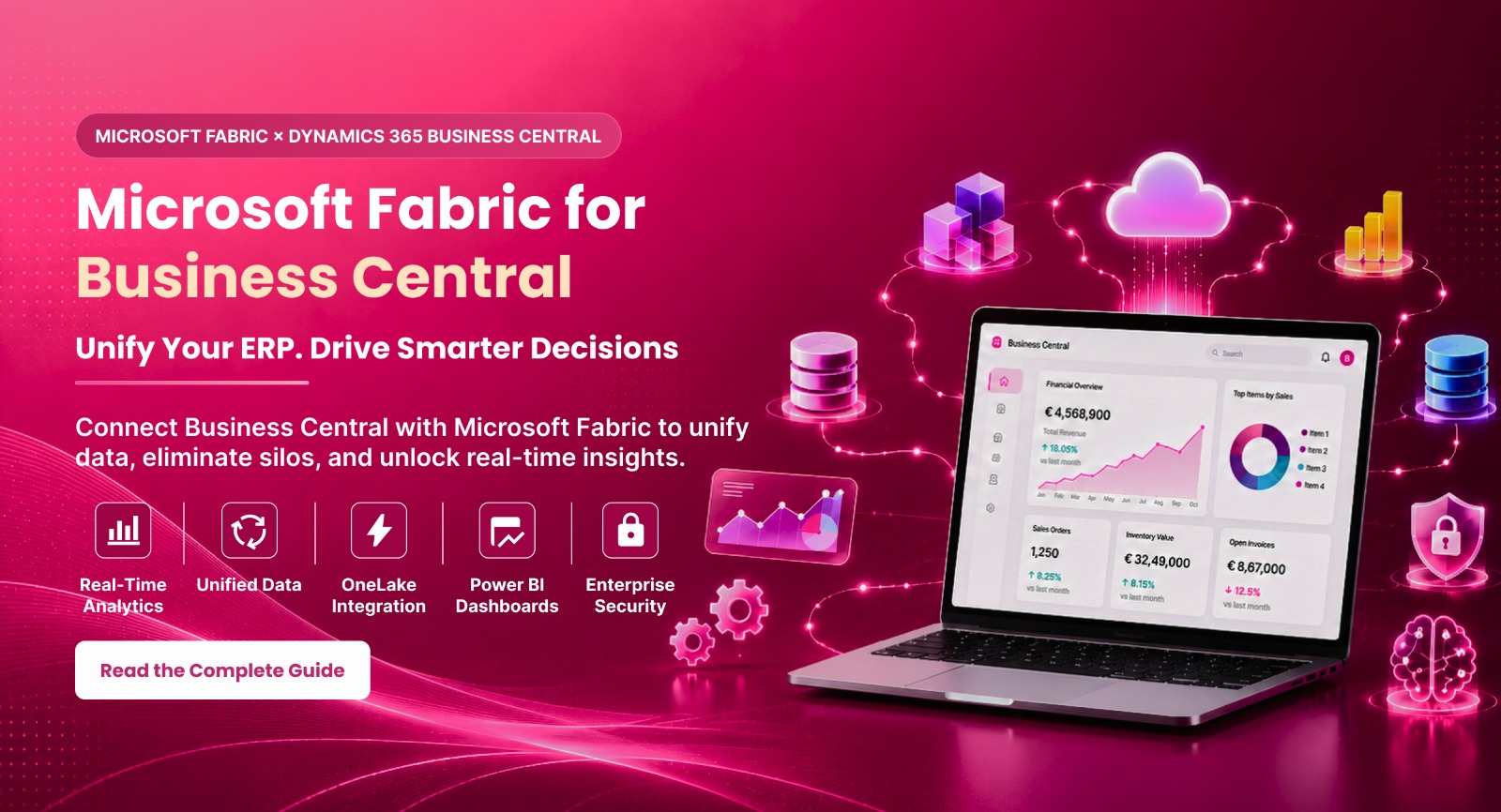
Business Central holds a lot of valuable data, but many companies still don't have one clear view of the business. Finance, sales and operations often sit in separate systems, and pulling them together takes hours of manual work every reporting cycle. Microsoft Fabric solves this by connecting Business Central with CRM, Excel and other sources in one unified place, so teams spend less time chasing numbers and more time using them.
- remove data silos and combine information from every department
- Analyze business data in real time for faster insights.
- Make decisions based on complete and up-to-date information.
- Improve collaboration between finance, sales and operations teams.
Business Central users can now view finance, sales and operations data together. These data sets used to be locked in separate systems. This makes Business Central and Fabric integration a real step toward digital transformation.
What Is Microsoft Fabric and How Does It Support Business Central Data
Microsoft Fabric is an analytics platform. It combines data collection, processing and visualization. It lets companies build one shared, reliable environment without juggling separate tools.
At the heart of Fabric is OneLake. It’s a shared data lake that holds information from all sources, including Business Central. OneLake enables data centralization and removes the confusion caused by scattered data.
- Data Factory: handles data movement and automation.
- Power BI: turns data into clear reports and dashboards
- Real-Time Intelligence: supports live analysis, useful for fast-moving businesses.
Fabric works closely with Azure and Microsoft 365. This keeps data consistent and up to date across all systems. There’s no need for duplicate manual work.
Key Challenges in Working with Business Central Data
ERP systems like Microsoft Dynamics 365 Business Central manage large volumes of business data across finance, sales, inventory and operations. While this data is valuable, organizations often face several challenges when trying to analyze and use it effectively.
Common challenges include:
- Variety of Data Formats: Financial, sales and inventory data are stored in different structures, making unified analysis difficult.
- Lack of Integration with Other Tools: Connecting Business Central with CRM systems, Excel or other business applications often requires manual effort or additional processes.
- Limited Real-Time Analysis: Standard ERP reporting is not designed to provide live, up-to-the-minute business insights.
- Inconsistent Data: Without centralized data management, different reports may show conflicting information, reducing confidence in business decisions.
As a result, teams spend more time preparing reports than making informed decisions. Integrating Microsoft Dynamics 365 Business Central with Microsoft Fabric removes these barriers by enabling automated, centralized and real-time data flow for faster, more accurate business insights.
How Business Central Integration with Microsoft Fabric Streamlines Business Processes
Ways to Connect Business Central with Microsoft Fabric
There are multiple ways to connect Microsoft Dynamics 365 Business Central with Microsoft Fabric. The best approach depends on your business requirements, data volume and the number of systems you want to integrate.
| Method | How It Works | Best For |
|---|---|---|
| Native OneLake Export | Business Central data is synchronized directly into Microsoft OneLake. | Simple, single-entity deployments. |
| Data Factory Pipelines | Scheduled pipelines automatically extract, transform and load Business Central data. | Multiple entities, custom integrations and large datasets. |
| Power BI DirectQuery | Power BI queries Business Central data in real time without importing it. | Small datasets requiring live reporting. |
| Real-Time Intelligence | Combines live event streams with batch ERP data for continuous monitoring. | Inventory monitoring, manufacturing and production tracking. |
Choosing the right integration method depends on your reporting needs, data complexity and scalability requirements. Microsoft Fabric provides flexible options that help businesses build secure, automated and high-performance analytics solutions with Business Central.
Use Cases of Business Central and Microsoft Fabric Integration
Integrating Microsoft Dynamics 365 Business Central with Microsoft Fabric enables organizations to turn business data into actionable insights, improving decision-making, operational efficiency and overall business performance.
Steps to Implement Microsoft Fabric with Business Central
A structured implementation process helps organizations integrate Business Central with Microsoft Fabric efficiently and securely.
Business Benefits of Business Central and Microsoft Fabric Integration
Integrating Microsoft Dynamics 365 Business Central with Microsoft Fabric helps businesses make better use of their data and improve day-to-day decision-making.
Frequently Asked Questions
Ready to Bring Microsoft Fabric into Your Business Central Setup?
Your Business Central data already holds the answers your teams need. The right Microsoft Fabric consulting partner helps you unlock potential without disrupting your daily business. Get in touch with Rivira Systems to start your data transformation.
Talk to a Microsoft Fabric Consultant