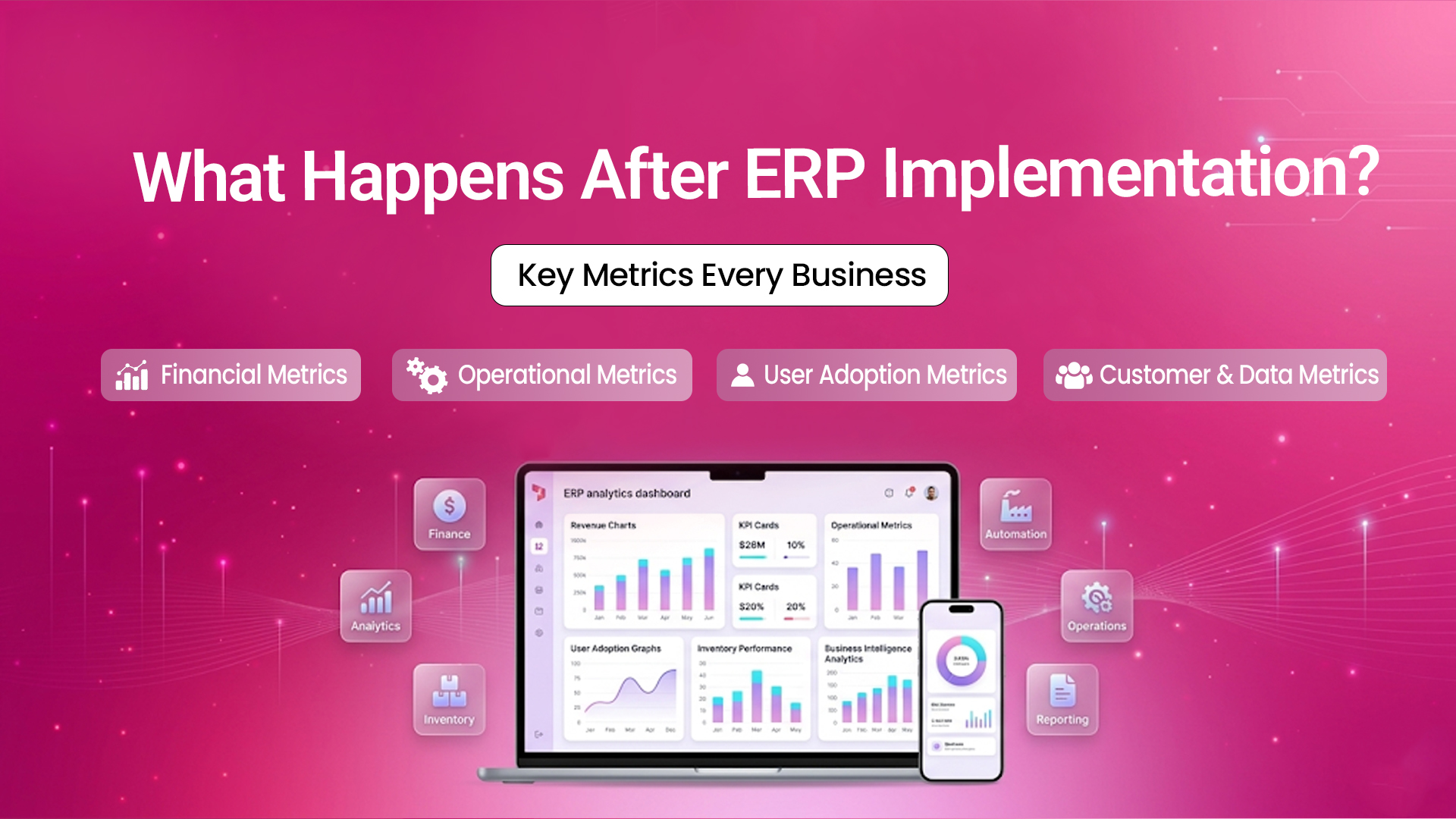
Go-live day feels like the finish line. It isn't. The true test of any ERP rollout starts the next morning. Employees log in for the first time, with no safety net. Leadership then wonders if the investment is worth it. This guide explains what happens after go-live. It covers the key metrics. You’ll learn how to see if your ERP adds real business value or if it's just expensive shelfware.
What Really Happens After ERP Implementation
Most businesses treat go-live as the destination. In practice, it is the starting line of a much longer journey. The weeks right after an ERP implementation often start with a downturn. Data needs to be cleaned up and employees struggle with new screens. Old habits also return when the new system feels tougher than the old spreadsheet.
This dip is normal - Industry analysis from 2026 shows that many organizations face a short-term drop in productivity. This happens as teams adjust to new processes. This transition cost is rarely budgeted in advance. A structured plan helps businesses recover quickly. It measures, supports and adjusts after going live, not just during ERP implementation.
Here’s the typical sequence organizations follow after their ERP system goes live:
- Stabilization (Weeks 1-4): Fix data errors. Resolve access issues. Help users with daily tasks. Avoid old tools.
- Adoption (Months 2-3): - Improve training, simplify workflows and ensure departments use the system correctly.
- Optimization (Months 4-9) - Automate more processes. Create custom reports. Link the ERP to other business systems
- Value Realization (Month 9 onward): - Get clear gains in cash flow, improve inventory accuracy and speed up decision-making. These changes support the original business case.
Why Tracking Metrics Post-Implementation Matters
Microsoft Dynamics 365 Business Central is a complete tool for managing businesses. It’s built for small and medium-sized companies. It connects and manages your entire operation from a single platform, including:
Microsoft Dynamics 365 Business Central is the next step from Microsoft Dynamics NAV (Navision), designed for the cloud and powered by AI. Think of it as your business's central nervous system - every department connects, every number stays accurate and every decision is informed.
- Stabilization (Weeks 1-4): Fix data errors. Resolve access issues. Help users with daily tasks. Avoid old tools.
- Adoption (Months 2-3): - Improve training, simplify workflows and ensure departments use the system correctly.
- Optimization (Months 4-9) - Automate more processes. Create custom reports. Link the ERP to other business systems
- Value Realization (Month 9 onward): - Get clear gains in cash flow, improve inventory accuracy and speed up decision-making. These changes support the original business case.
The Key Metric Categories to Track
Not every metric deserves a place on your dashboard. The best KPIs for ERP system implementation fit into four categories.
1. Financial Metrics
These link the ERP straight to the company's profits and confirm the initial business case.
- Return on Investment (ROI): Total cost savings and revenue gains measured against implementation and licensing spend.
- Days Sales Outstanding (DSO): A falling DSO shows the ERP is automating invoicing and collections effectively.
- Budget Adherence: Are the ongoing costs for licensing, support and customization on track with the original plan?
- Cost per Transaction: A useful proxy for how much manual effort the ERP has actually removed.
2. Operational Metrics
Operational KPIs reveal whether the ERP is genuinely streamlining the way work gets done.
- Inventory Turnover: Faster turnover indicates better demand forecasting.
- Order-to-Cash Cycle Time: Measures the time from order placement to payment receipt.
- Process Automation Rate: Percentage of manual processes converted to automated workflows.
- Production Accuracy: Tracks output against planned schedules.
3. User Adoption Metrics
An ERP that nobody uses correctly delivers none of its promised value.
- Login Frequency & Active Users: Tracks ERP usage versus spreadsheets.
- Transaction Completion Rate: Percentage of workflows completed inside the ERP.
- Training Completion: Measures user readiness and competency.
- Helpdesk Ticket Volume: Indicates ongoing usability issues.
4. Customer & Data Metrics
Measures the ripple effect of the ERP beyond your own walls.
- Order Accuracy Rate: Fewer fulfilment errors improve customer satisfaction.
- Customer Satisfaction (CSAT/NPS): Measures service quality improvements.
- Data Accuracy: Tracks records free from duplication and errors.
- Reporting Speed: Compares report generation times against the legacy system.
Quick-Reference: Metrics by Business Priority
Post-Implementation Timeline: 30/90/180 Days
One of the most practical frameworks used by ERP consultants is tracking short- and long-term KPIs at fixed intervals after go-live. This keeps measurement structured instead of reactive.
Stabilise
Focus heavily on system uptime, login success rates, and resolving data migration errors. Expect a spike in helpdesk tickets—this is completely normal and should be tracked, not feared.
Build Adoption
Shift attention to training completion, transaction completion rates, and department-by-department usage. Begin comparing early operational metrics, like order processing time, against your pre-ERP baseline.
Optimise & Prove Value
Financial metrics like DSO, inventory turnover, and cost-per-transaction should show movement. Rivira Systems recommends tracking Time to Value (TTV), as a faster TTV correlates with stronger long-term ROI.
Why Businesses Choose Rivira for Post-Implementation Support
Choosing the right partner matters well beyond go-live day. Here's how Rivira supports businesses through every stage of the journey.
Dedicated Health Checks
Structured 30/90/180-day reviews that identify adoption gaps before they become costly business challenges.
Custom KPI Dashboards
Power BI dashboards tailored around the KPIs that matter to your business—not generic reporting templates.
Certified Consultants
Microsoft-certified experts across Business Central, Azure, and Power Platform delivering trusted guidance.
Change Management Support
Training sessions and communication plans that improve user adoption and reduce resistance to change.
Data Governance Frameworks
Validation rules and Master Data Management practices that keep your business data accurate and reliable.
24/7 Local Support
Quick-response local support to resolve issues fast, ensuring your operations remain productive and uninterrupted.
Real-World Example: From Go-Live to Growth
A mid-sized distribution company decided to use an ERP. This replaced its mix of spreadsheets and separate accounting software. In the first month after going live, the company tracked key stability metrics. These included system uptime, login success and the number of data-entry corrections needed.
By month three, the focus shifted to adoption. The leadership team saw that one warehouse had a transaction completion rate about 30% lower than the others. This clearly indicated a training gap, not a software issue. Targeted refresher training closed that gap within weeks.
By month nine, the company’s financial metrics told a clear story. Inventory turnover improved because real-time stock visibility cut overstocking. Also, the order-to-cash cycle time got shorter. This happened as automated invoicing replaced manual follow-ups. None of this would have been visible without a structured metrics framework in place from day one.
This reflects a wider trend seen by ERP researchers. Companies that tracked order accuracy and processing time after going live had fewer fulfillment errors. They also boosted customer satisfaction scores in the first year.
Common Post-Implementation Mistakes to Avoid
Avoiding these common mistakes helps businesses maximize ERP adoption, improve user satisfaction, and achieve long-term business value after implementation.
Treating Go-Live as the Finish Line
A system can launch on time and within budget, but it may still fail to provide lasting value. This happens if no one continues to measure its success after the celebration ends.
Using Uptime as the Only Success Metric
A system can be “up” 99.9% of the time but still frustrate employees. This often happens when it’s not set up for their real workflows.
Confusing Logins With Real Engagement
A logged-in user isn't automatically a productive one. Pair login data with transaction completion rates to get the full picture.
Tracking Too Many Metrics
Dashboards filled with vanity numbers, like “reports generated,” distract from the key KPIs that matter for business success.
Skipping Change Management
Resistance to new processes, not flaws in the software, remains one of the most commonly cited reasons ERP value falls short of expectations after go-live.
Choosing the Right ERP Implementation Consultant for the Long Run
The relationship with your implementation partner shouldn't end at go-live. The best ERP implementation companies include post-launch support, KPI dashboards and optimization reviews in their engagement model. They don’t view these as separate, billable extras.
When picking a partner for ERP support, keep these best practices in mind:
- • A documented 30/60/90-day post-go-live review plan, not just a generic support contract.
- • Experience building custom KPI dashboards rather than relying on out-of-the-box reports.
- • A clear data governance and master data management plan helps stop quality decay over time.
- • Transparent escalation paths and response-time commitments for critical issues.
- • A history of guiding clients from stabilization to clear ROI, not just tech deployment.
Rivira Systems, a Microsoft Solutions Partner, implements Business Central, Azure and Power Platform. We set clear goals from the start. This way, businesses know what success looks like six months after going live.
Frequently Asked Questions
Ready to Get More from Your ERP System?
ERP success doesn't end at go-live. By tracking the right metrics and continuously optimizing processes, businesses can improve efficiency, increase user adoption, and maximize ROI.
At Rivira Systems, we help organizations measure performance, overcome challenges, and unlock the full value of their ERP investment.
Contact us today for a free consultation and take the next step toward sustainable business growth.
Book Your Free Consultation